Best Free Calorie Counter Apps in 2026: What You Actually Get Without Paying
The Short Answer
The best free calorie counter apps in 2026 are Cronometer (full micronutrient tracking, unlimited logging, no daily cap), Lose It! (27-million item database, unlimited food logging, barcode scanning may require premium for new users), and Forkd (AI photo logging and fasting timer on the free tier). MyFitnessPal's free tier now caps at 5 food entries per day, which effectively makes it a paid product. MacroFactor has no free tier at all.
Disclaimer
This article is for information only and does not replace medical advice. Needs vary with age, sex, and situation (pregnancy, conditions, medication): if in doubt or symptomatic, talk to a health professional.
Are Free Calorie Tracking Apps Actually Worth Using?
Yes, but the quality of free tiers varies enormously. In 2024 and 2025, several major apps tightened their free tiers significantly, moving features like barcode scanning, photo logging, and macro tracking behind paywalls that used to be free. The category is more fragmented than it was two years ago.
The apps that still offer genuinely useful free tracking in 2026 are a shorter list than they used to be. Knowing exactly what each free tier includes before downloading saves time.
What Do the Major Apps Offer for Free in 2026?
Cronometer, Best Free Tier Overall
Cronometer's free tier is the most complete in the category. It includes:
- Unlimited food logging with no daily cap
- Full micronutrient tracking across 84 nutrients (vitamins, minerals, amino acids, fatty acids)
- Access to a database of 1 million+ verified food entries
- Barcode scanning for packaged foods
- Daily and weekly nutrient reports
No daily entry limit. No paywalled nutrients. No timer on free access. Cronometer Gold ($49.99/year) adds fasting tracking, advanced reports, and export options, but the free tier handles the core tracking workflow completely.
For anyone whose main goal is understanding what they eat and catching nutritional gaps, the free tier is sufficient.
Lose It!, Good Free Tier for Basic Tracking
Lose It!'s free tier includes a 27-million item food database, unlimited food logging, calorie and macro tracking, and goal setting. The app holds a 4.7-star rating across 700,000+ reviews. As of 2026, barcode scanning has moved to Premium for new users, worth checking whether this applies to your account before assuming it's free.
Lose It! Premium ($39.99/year) adds meal planning, nutrient timing features, and wearable integration with Fitbit, Garmin, and Oura Ring. If barcode scanning is your primary logging method, check the current free tier access before committing.
Forkd, Free AI Photo Logging and Fasting
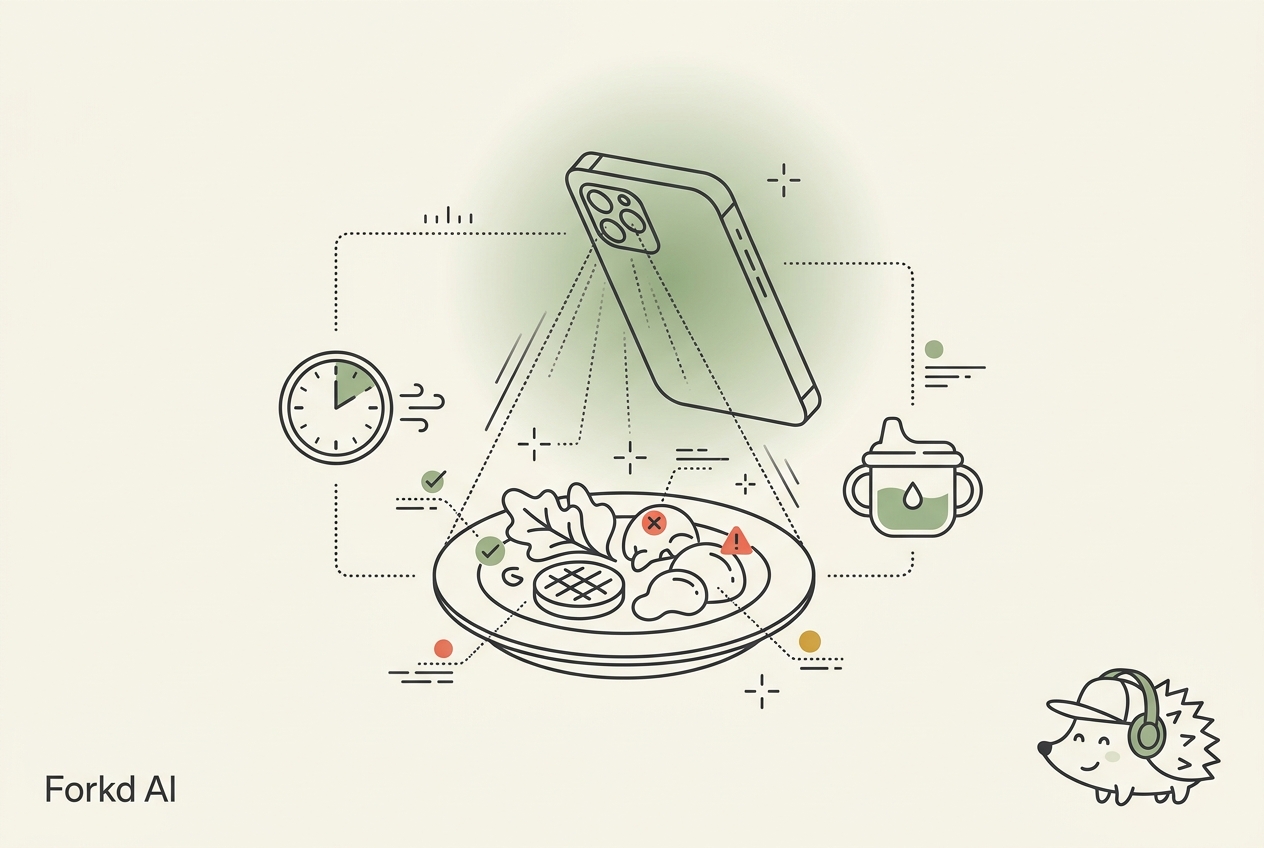
Forkd's core photo logging feature, snap a photo, get a nutritional breakdown in under 10 seconds, is available on the free tier. The fasting timer, with its progress indicators and 17-hour safety warning, is also free. Micronutrient tracking for key nutrients (iron, calcium, vitamin D) is included without paying.
For people who want photo logging without a paywall, Forkd is one of the only options in 2026 where AI-assisted meal scanning is genuinely free to use.
MyFitnessPal, Now Effectively a Paid Product
MyFitnessPal's free tier changed significantly in recent years. As of 2026:
- Free users are capped at 5 food entries per day
- Barcode scanning requires Premium
- Ads appear between screens throughout the app
Five entries per day means you can log roughly one full meal (protein, starch, vegetable, sauce) before hitting the wall. For anyone tracking multiple meals daily, this makes the free tier a demo rather than a functional tool.
Premium costs $79.99/year. Premium+ (which adds meal planning) is $99.99/year. The price-to-value comparison versus free alternatives like Cronometer is poor for basic nutrition tracking.
MacroFactor, No Free Tier
MacroFactor requires a paid subscription ($71.99/year) after a 7-day free trial. There is no ongoing free access. For users who specifically want MacroFactor's adaptive coaching algorithm, the trial gives you enough time to evaluate it. For anyone just looking for free tracking, this isn't the right starting point.
What Should a Useful Free Tier Include?
Not every free tier restriction is a problem. Some features genuinely require infrastructure that justifies a paid plan. Others are artificial limitations designed to push you toward a subscription.
The features that determine whether a free tier is actually usable:
Unlimited food entries per day. A daily cap that kicks in after logging breakfast effectively forces payment. Cronometer and Lose It! have no meaningful daily cap on the free tier.
Database access. The food database is the core of any calorie tracker. A free tier that restricts database access to a small subset makes logging frustrating and inaccurate.
Macronutrient breakdown. Calories plus protein, carbs, and fat is the minimum for useful dietary tracking. Paywalling macros (as some apps have begun doing) makes the free tier calorie-only, which is much less informative.
Barcode scanning. Manual entry for every packaged food is a major friction point. Barcode scanning has become table stakes, apps that paywall it lose significant usability on the free tier.
Can You Get Accurate Nutrition Data Without Paying?
Yes. Cronometer's free tier uses verified USDA data, arguably the most accurate data available in any tier. The limitation isn't data quality; it's features like advanced reports, export functions, and fasting tracking (which require Cronometer Gold).
Lose It!'s free tier gives you a large database and basic tracking. Forkd's free tier gives you AI photo logging. Between these three, you have genuinely useful calorie and nutrition tracking without spending anything.
Frequently Asked Questions
Is MyFitnessPal's Free Tier Worth Using Anymore?
For most users, no. Five food entries per day isn't enough for full daily tracking, and manual entry without barcode scanning is slow. Cronometer's free tier provides more useful tracking without any of these restrictions. The main reason to use MyFitnessPal on the free tier is if you need its 14-million item database for a specific unusual food, for anything else, the free alternatives are better.
Do Free Calorie Apps Sell My Data?
Different apps have different policies. Reading the privacy policy before signing up is worth the time, particularly for health data. Cronometer has a clear data privacy policy and does not sell user data. MyFitnessPal's data policy is more complex, particularly given its corporate ownership history. If data privacy is a concern, check the current privacy policy for any app you use, these change over time.
Will I Get Accurate Calorie Counts on a Free App?
Yes, for most common foods. The accuracy of calorie tracking depends on the food database rather than the tier, Cronometer uses the same verified USDA data on the free tier as it does on paid. The main accuracy limitation for any app is logging completeness (whether you log everything, including small additions and cooking fats) rather than database quality.
What's the Best Free App If I'm Just Starting Out?
Start with Cronometer if you want nutritional depth and accurate data. Start with Forkd if you want photo logging speed and don't want to search a database. Start with Lose It! if you want a large food database and straightforward calorie counting without complexity. All three are free at a functional level for getting started.
Key Takeaways
- Cronometer has the best free tier in 2026, unlimited logging, full micronutrient tracking, verified data, barcode scanning
- Forkd offers AI photo logging and fasting tracking free, rare in the current market
- MyFitnessPal's free tier is now effectively a demo, 5 entries per day and no barcode scanner
- MacroFactor has no free tier at all, it's a 7-day trial then paid
- Free doesn't mean worse, Cronometer's free data is more accurate than many paid competitors because it uses verified USDA sources rather than crowdsourced entries
Written by
Vineet Karhail builds Forkd, the AI-powered calorie and nutrition tracking app, and writes its research-backed guides on calories, macros, and micronutrients.